- March 2, 2026
Google Phone App Introduces Your Calling Card Feature for All Users
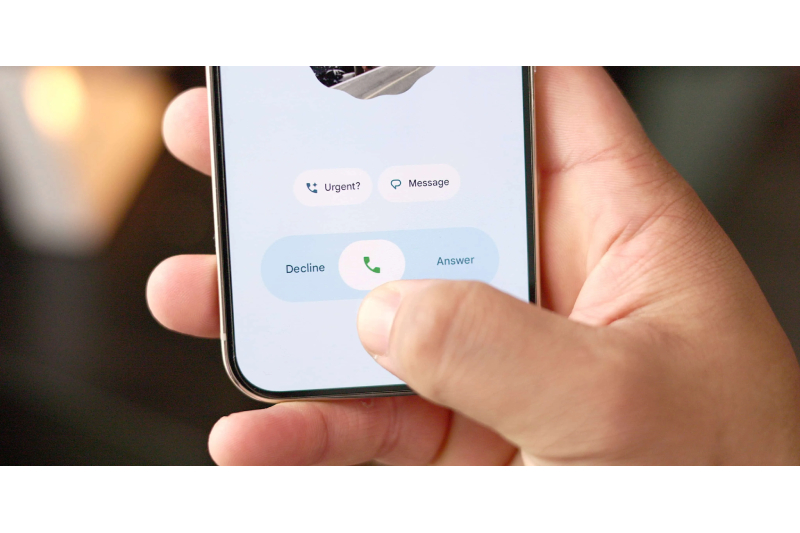
The Phone by Google app is rolling out a new feature that lets users create and share a personal “calling card” with others. This update allows you to customize how your profile appears when you make or receive calls.
Earlier, calling cards in the Google Phone app allowed users to set a full-screen image that appeared during calls with saved contacts. Now, Google is expanding this feature so you can set “your calling card” that will be visible to more people.
How to Create Your Calling Card
Once the feature is available on your device, you’ll see a “Create your calling card” option at the top of the Home tab. The app will prompt you to customize how you want to appear to others during calls.
You can also access this option later by going to:
Settings > Calling Card
To get started, you’ll need to link your Google account. Your profile information will then be shared through your Google account.
Customize Your Image and Name
Users can upload a photo using the Camera, Gallery, or browse images from Google Photos. Google mentions that your selected image may be cropped slightly to fit different screen sizes.
After choosing the image, you can personalize your display name. The app allows you to adjust:
-
Font style
-
Color
-
Width
-
Weight
-
Roundedness
This gives users more control over how their name appears on the calling screen.
Choose Who Can See Your Calling Card
Google also gives you privacy options. You can decide who gets to see your calling card:
-
Only your contacts
-
Everyone you talk to
The setup process is similar to the “Your profile” feature in Google Messages.
Rollout Details
The feature is currently rolling out with beta version 211 of the Phone by Google app. However, since it also depends on server-side updates, availability may vary by user.
This new update makes the Google Phone app more personalized and user-friendly, giving Android users better control over their calling identity.